Advertisement


mr-pimpen
-
Posts
1,299 -
Joined
-
Last visited
-
Days Won
82
Content Type
Profiles
Forums
Downloads
Bugs
Roadmap
Suggestions
WebFlake Changelog
FAQ
Store
Blogs
Applications
Ideas
Everything posted by mr-pimpen
-
you have posted in the wrong section you need to post in support
-
change your theme see if that works it my be a plugin issue or coding
-
ok good if that happens again its an out date plugin or apps or a bad coding just check ever thing you change so u can go back and fix it good luck
-
did you just install that and any plugin you add yet try to disable all the applications see witch one is doing it
-
we will help you every way we can when i said about webflake its because every one is o ways try to make there website like webflak if you can show some images to what you want it would give us an idea of what you want to do invasion power board has the basics on how to set things up try to start there
-
nobody is going to tell you how to set up your store like webflake you have to do it your self you can do it from here help ips
-
switch hosting i use Flaunt7 with dmc nore its pretty good im in nj so it take awhile for them to answer my support
-
why dont you make a new email address like google and set it has default for when member register that would be the best options or ask your hosting to set up the email for you
-
i would re do it cause the </p> <p> should not be there mine dont look like that witch i can not share and for webflake i cant say how webflake has theres i would just do a new one if there is an issue and see if it still comes up the same way
-
that dont look normal to me u should delet that and start a new one see if it dose it again
-
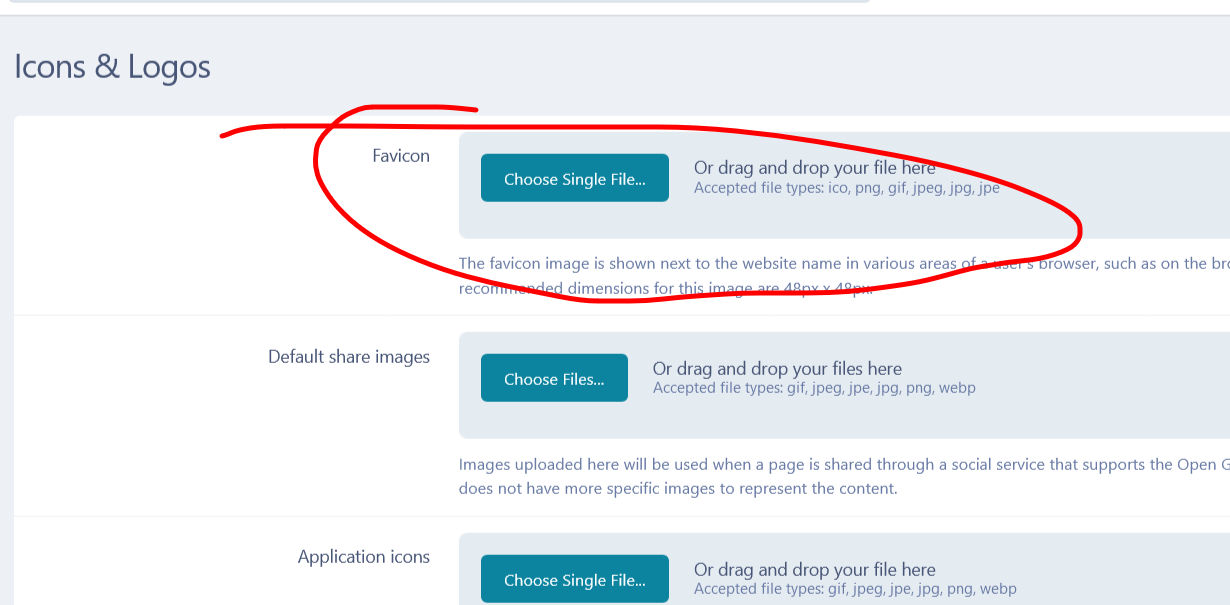
go to your theme and it will say Icons & Logos and change or add

-
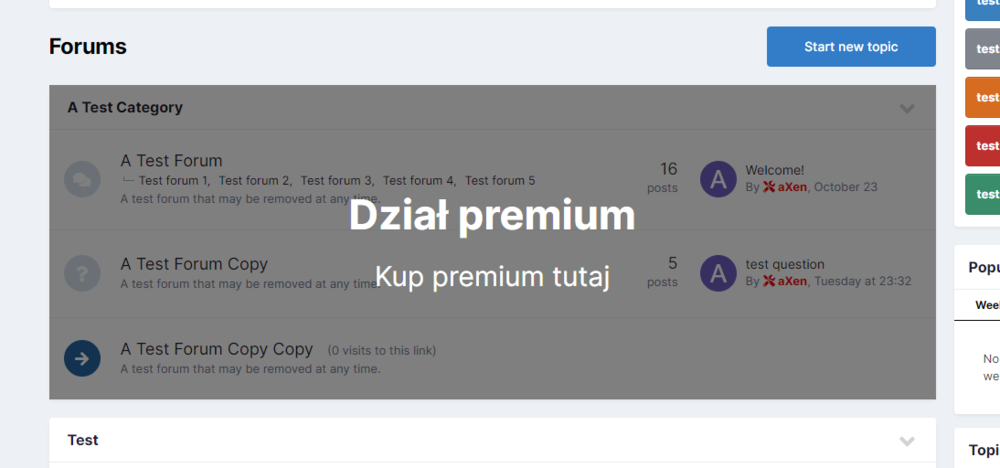
Go to forums -> font -> index -> index . Find: <li data-categoryID='{$category->_id}' class='cForumRow ipsBox ipsSpacer_bottom ipsResponsive_pull'> Change to: {{if $category->_id == 1 && !\IPS\Member::loggedIn()->inGroup( array(4, 2) )}} <div class="ipsFlex ipsFlex-jc:center ipsFlex-ai:center ipsFlex-fd:column cForumRow_premium"> <h2> Premium department </h2> <p> Get premium here </p> </div> {{endif}} $ category -> _ id - stands for the category ID. ! \ IPS \ Member :: loggedIn () -> inGroup (array ( 4, 2 )) - means groups that have access to the category Paste CSS code: .cForumList li[data-categoryid="1"].cForumRow { position: relative; } .cForumRow_premium { background-color: rgba(0, 0, 0, 0.5); z-index: 1; position: absolute; width: 100%; height: 100%; line-height: 0; font-size: 30px; color: #fff; } [data-categoryid = "1"] - means the category ID
-
you can add it in your theme section or add the codes
-
do you have Callback URL /oauth/callback/ set up for it to work and check all your permissions in twitter apps
-

IPS 4.5 How to Create Custom Blocks or Plugins ?
mr-pimpen replied to ProfessorHulk's question in IC4 Support
first of all you are posting in the wrong section!! if you have pages on your ip board there custom block there just look around copy and past it in the html part of the blocks -
there should be a plugin for that but its an older version of ip or you can make your own custom codes just look around
-
that website was taken down its no longer there
-
its in you admin on the left side just move it down to the bottom of your froums
-
that would be in the same section just look around and change what you need that would be in the css there is a new one that was upload to webflak see if that one will work
-
oh well i just add that just n case he want to do something like that the css i made the from the codes i found
-
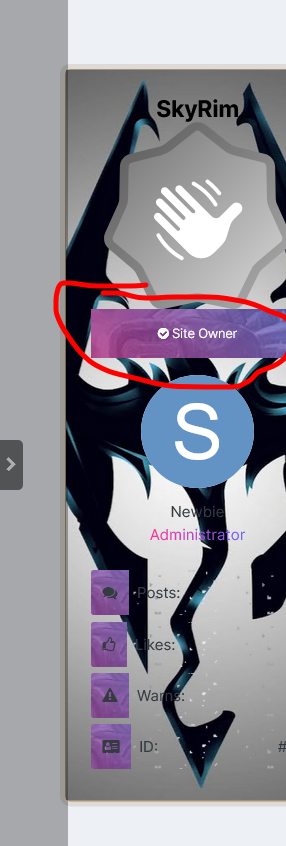
you can custom it threw the postcontianer go to your theme look for this {{if $comment->author()->member_id replace it with this no need of plugin {{if $comment->author()->member_id == 1}} <div class='importantprsn'>Important person</div> add to css and the effect will look like that .importantprsn { padding: 12px 10px; font-size: 10px; background: transparent url('/Image/') repeat 50% 50%; color: #fff }
-
you have to do this in your postcontianer if you have the codes
-
it might be doing that because something you have thats an old version of ip or you might have a coding issue try to disable all your plugins and you apps see if that works than go down the list one by one
-
check all your php extensions make sure they are correct
-
Version 1.0.0
4 downloads
XenForo Romanian 2.2.8 Here you can find the Romanian language of Xenforo 2.0 (Aici gasesti traducerea in Limba Romana pentru Xenforo 2.0) Info's: Install instruction in the archive Translated phrases: Beta Terms of Usage: Please do report any issues found to be fixed a.s.a.p.