Advertisement


Hitman68
-
Posts
85 -
Joined
-
Last visited
-
Days Won
9
Content Type
Profiles
Forums
Downloads
Everything posted by Hitman68
-
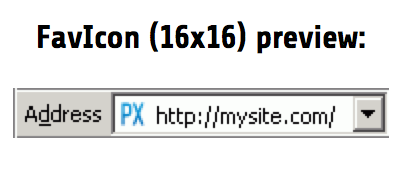
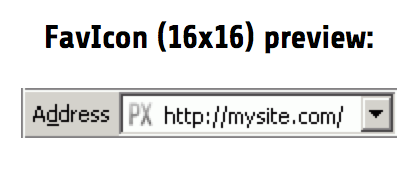
favicon1.ico favicon2.ico

-
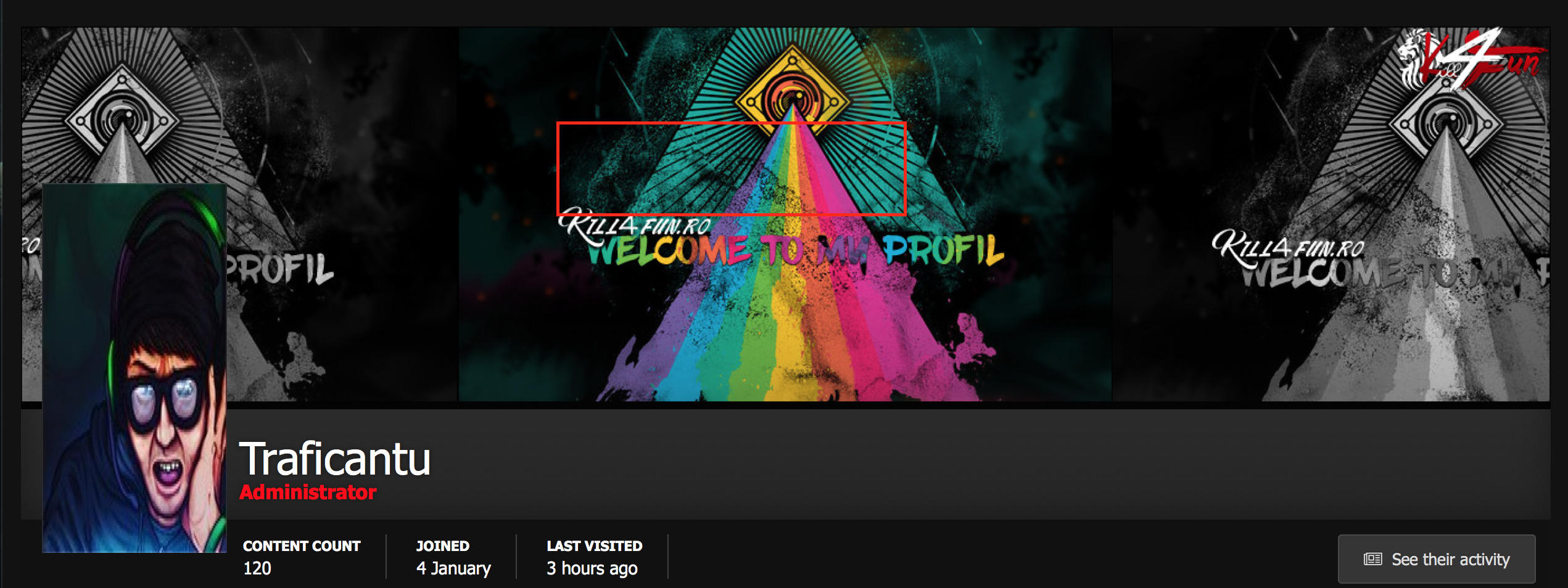
Remove ?? That is your Profil - Avatar beside your comment Window belongs !! Take this code again out !! with it the Avatar is also demanded below. To push your badges on top further to the left, one would have to add specially class in the Template. Then below the Avatar also remains there where it should be
-
You are Admin > ACP > Members > your Adminprofil > Tab Preferences
-

Problem creating post after installing IPS4
Hitman68 replied to nomorekillz's question in Invision Support Archives
First Step is Recached and the second Step is disable all Plugins / Aplications. Who said that you use the second Step?? -
Problem creating post after installing IPS4
Hitman68 replied to nomorekillz's question in Invision Support Archives
What??? Where?? Pic??? Recached??? Please specifics!!!! -
Problem creating post after installing IPS4
Hitman68 replied to nomorekillz's question in Invision Support Archives
Fine that everything should have been. With the next tap step you would have deactivated all Plugins what is notnecessary. Please, controls afterwards over again whether you now the experiments (i testimates now pictures) are functioned. Thx -
Problem creating post after installing IPS4
Hitman68 replied to nomorekillz's question in Invision Support Archives
I know it After recache enable the Shoutbox again!!!!! -
Problem creating post after installing IPS4
Hitman68 replied to nomorekillz's question in Invision Support Archives
Disable pls the Shoutbox and recached using the Support tool and then must it worked. Hope it can be solved by -
Problem creating post after installing IPS4
Hitman68 replied to nomorekillz's question in Invision Support Archives
You use the Shoutbox? -
Do you have a htaccess file in your main list of the IPS??
-
Here covers to the CKE - Editor. http://ckeditor.com/demo#full Of my knowledge this editor is not laid out for Javascripte. Would let me, however, also from the opposite persuade, if it should be possible, nevertheless
-
Like it momentary looks it are not the only one him this problem has. The Plugin will probably get in the next time an update. When I cannot say you, however. So firstagain uninstall and patiently wait
-
Can I use a purchased theme on a different IPB board?
Hitman68 replied to Crotcha's question in Invision Support Archives
Yes, this is possible -
Which Version ( Sliding Facebook Fanpage ) did you use ?
-
No that is not possible of course. Already for safety reasons this is not permitted or you would want somebody your forum destroys / immobilises!!!??
-
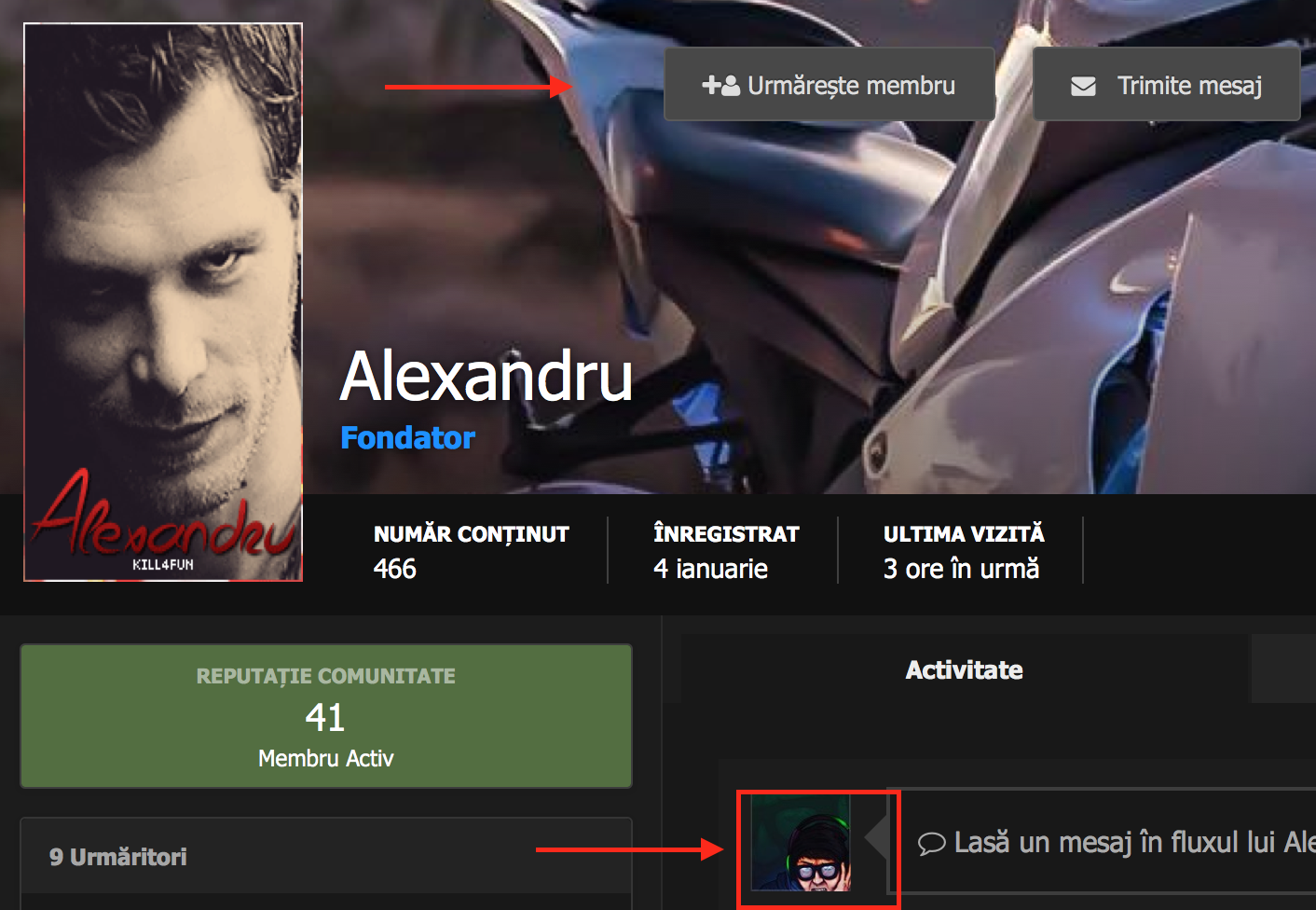
Profile following and message button
Hitman68 replied to AlexandruK4F's question in Invision Support Archives
use extra.css .ipsResponsive_hidePhone.ipsResponsive_block { margin-left: -177px; } -
Profile following and message button
Hitman68 replied to AlexandruK4F's question in Invision Support Archives
As a guest this is not indicated - users and password Access please via PM provide
-
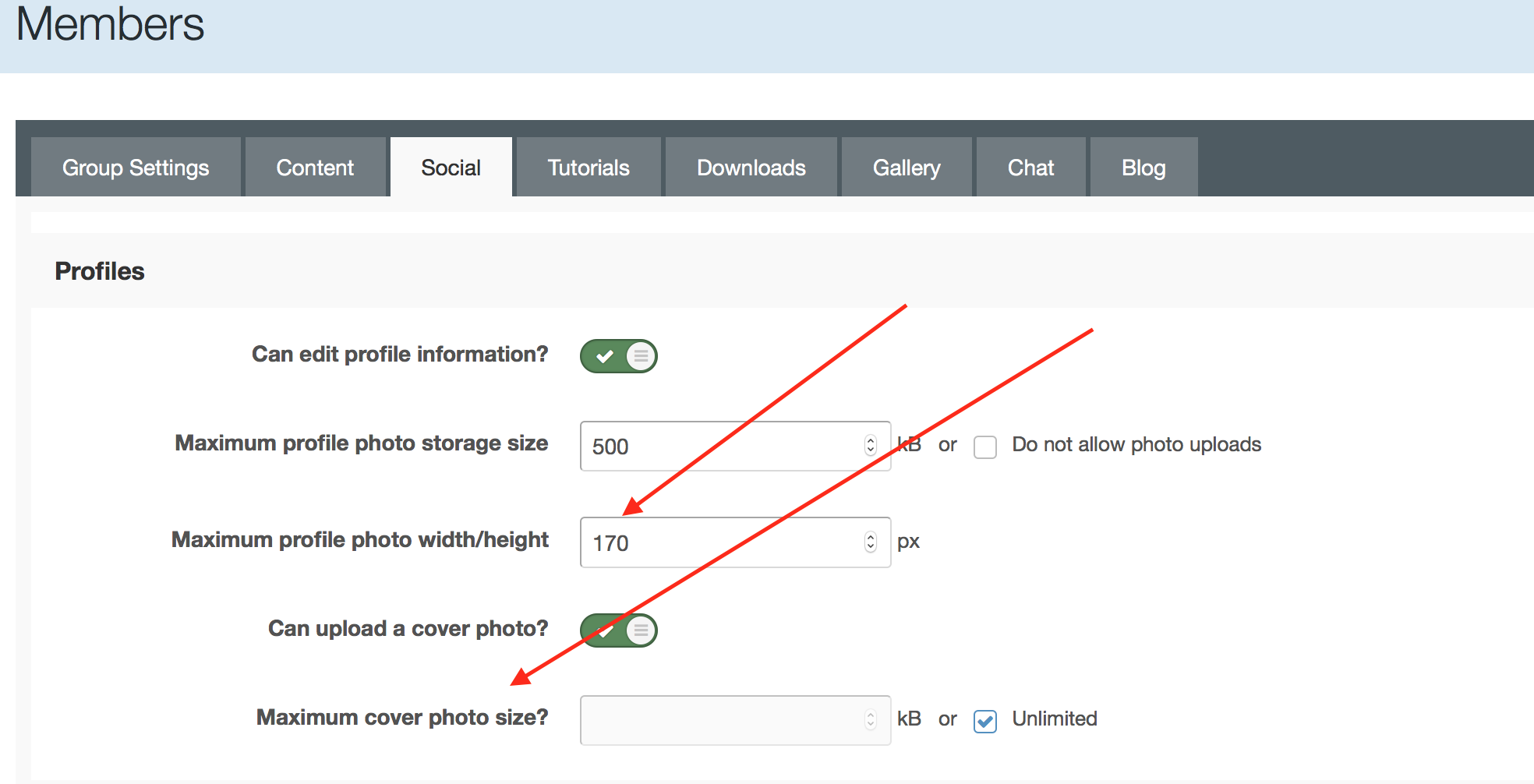
Members > Manage Groups > (edit a group) > Global tab > Scroll down to 'Uploading' section, find ' Personal Photo Limits' and adjust the profile picture dimensions and upload size. Save and repeat with other groups as required. There's a general setting as well: Settings > 'Members' tab in settings > User Profiles > 'Show users full photo in topic view; maximum width'
-
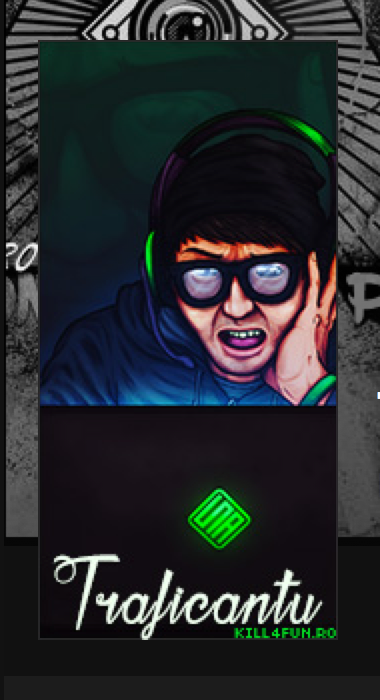
It´s not zoomed vs.e.g. your Avatar: Attempts please the Avatar newly high load more. See file appendix!!! > Archive.zip You write "any". Are there still some Avatars them are wrong indicated?? Archiv.zip
-
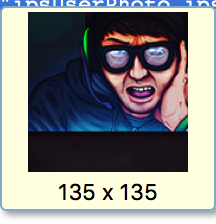
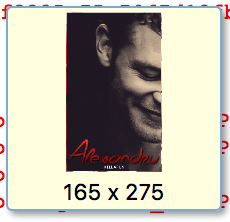
Hmmm. . . this is Avatar is too small! I recognise the only size 135 x 135px case the picture once more newly high! If it has gesture-continually with the original - picture 150 x 300px and looks then thus.
-
You mean so?? Look at _base.css and change this with this Code @media screen and (min-width:768px){ /* Avatar */ .cAuthorPane_info .ipsUserPhoto_large img, .cAuthorPane_info img.ipsUserPhoto_large{ /*width: {theme="topicAvatarSize"}px; height: {theme="topicAvatarSize"}px;*/ width: 150px; height: 300px; {{if theme.rounded_photos}}border-radius: 50%;{{endif}} }
-
As well as you have described this now this will not function! You have only block - manager at possession and can put the Stats only in the MainContent > on the right you always have the Sidebar!. In the IPB 3 the Stats about the whole side are shown. From there one would have to form the Plugin completely anew. So a sort of Footer- Template.
-
you are welcome , no problem
-
When you are in the ACP, look at the top of the page and you will see: Signed in as your username Click that and select: AdminCP Theme > Default
-
With a modified design I know not from the head. Link to your Hompage or via PM please. Put this Code in extra.css First Stripe: .ipsDataList:not(.ipsGrid) .ipsDataItem:last-child, .ipsDataList.ipsDataList_zebra > .ipsDataItem { background-color: #525252; } Second Stripe: .ipsDataList.ipsDataList_zebra .ipsDataItem:nth-child(2n):not(.ipsDataItem_selected):not(.ipsModerated):not(.ipsDataItem_new):not(.ipsDataItem_success):not(.ipsDataItem_warning):not(.ipsDataItem_error):not(.ipsDataItem_info):not(.ipsDataItem_status) { background: #585858; } You want hover Color change too??